Senior Match › Photo Rules

Photo Tips for Your Senior Match Profile

Your photos are the first thing anyone notices, and a warm, honest picture does far more for you than a flawless one. Get them right and the right people stop to say hello.

Here is how to choose an attractive main photo, take a good selfie, build a set that shows the real you, and stay on the right side of the upload rules.
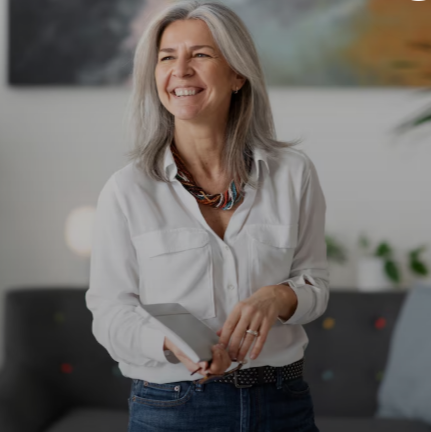
Senior woman smiling for a bright, clear profile photo

Why Your Main Photo Does the Heavy Lifting

People decide in a heartbeat whether to open a profile, and your main photo makes that call for you. A clear, friendly face invites a message; a dark, blurry or hidden one gets scrolled past, however lovely the person behind it. The good news is that a great main photo has nothing to do with looking younger or perfect — it is about looking like you, on a good day.

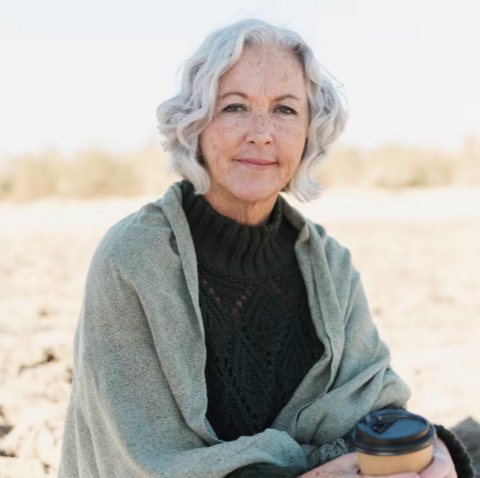
Well-lit, natural headshot of a senior woman

What Makes a Great Main Photo

Aim for a recent head-and-shoulders shot where your face is easy to see and the light is doing you favours. A few small choices make all the difference:

  • Face the light — near a window, or outdoors on a soft, cloudy day
  • Look straight at the camera; genuine eye contact draws people in
  • Wear a real smile or the everyday expression friends would recognise
  • Be the only person in the frame, so nobody has to guess which one is you
  • Keep it sharp and steady, not blurry or heavily filtered

Build a Full Set, Not Just One Shot

Three to five photos is the sweet spot — enough to feel like a rounded person without turning your profile into an album. Mix a clear face shot with a full-length picture and one or two that show how you actually spend your time. That variety gives people easy, natural openers, and Australia offers no shortage of good backdrops: a coastal walk, the garden in full bloom, a favourite café, a bushwalk on the weekend, or a lunch out in the wine country.

Lively, active photos tend to earn more interest than a row of posed portraits, so let your hobbies show. Someone who can see you laughing at a barbecue or strolling a beachfront has a far easier time picturing a first date with you.

Taking a Good Selfie

A phone is all you need. The trick is a little height and a little light, and the rest follows.

  • Hold the phone up and tilt the top slightly towards your face — it flatters far more than shooting from below
  • Face a window or step outside so the light lands on your face, not behind you
  • Press the volume button to take the shot, so your fingers stay steady on the phone
  • Frame from roughly the chest up, showing your shoulders and a little of your surroundings
  • Take a handful and keep the best; there is no rush
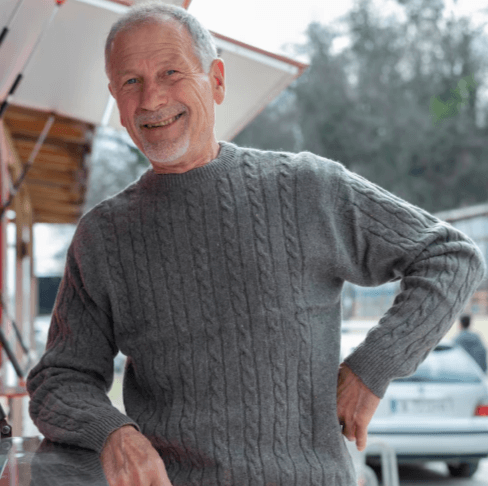
Senior man taking a well-lit selfie outdoors

No Recent Photos? Here's the Easy Fix

Plenty of people join without a single decent photo to hand, and it is simpler to solve than you would think. Ask a friend to take a few snaps next time you are out for dinner, or have a family member grab some relaxed headshots on your phone when they have a spare minute — those candid, in-the-moment shots often turn out better than anything posed. Refresh your pictures every few weeks, too, which keeps you looking current and quietly signals to others that you are active and worth messaging.

What Not to Upload

A short list keeps the community friendly, respectful and safe for everyone over 50.

Please leave these out

  • Nude, sexual or explicit images
  • Anything showing blood, hunting or firearms
  • Photos of anyone under 19 on their own
  • Pictures built around cash or financial content
  • Group shots as your main photo, or decade-old pictures

Protect your privacy

  • Keep house numbers, street signs and your address out of frame
  • Avoid number plates and workplace lanyards
  • Leave expensive items and cash out of the picture
  • Check the background before you upload
  • Save more personal photos for a private album, shared only with people you trust
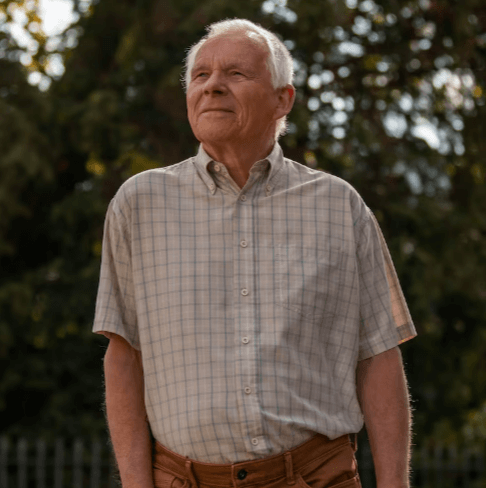
Senior man in a relaxed, natural outdoor portrait

Public, Private and Custom Albums

Senior Match lets you decide who sees what. Your public album is open to everyone browsing, so it should hold your best, friendliest photos. A private album stays hidden until you choose to share it with someone you have come to trust, and a custom album lets you set access for particular people — handy as a conversation grows warmer.

You can add short videos in the same way, public or private. Sharing a few more lively photos and clips simply opens up more chances to be noticed, while still leaving the more personal ones under your control.

Photo Requirements and Upload Tips

The rules are light, and knowing them saves a rejected upload. Photos can be JPG, GIF or PNG, they need to be larger than 330 by 440 pixels and under 50MB, and newly added pictures are usually reviewed within about a day before they appear. You can drag and drop several at once, and uploading a few together often speeds approval along.

A quick way to check a photo before it goes up

  • Right format and comfortably under the size limit
  • Sharp, bright and clearly you
  • Just you in the main shot, with a real smile
  • No address details, plates or valuables on show
  • Recent enough that you would recognise yourself across a café

Happy with your pictures? A verified profile earns even more trust — the verification guide covers the photo and face checks, and the safety tools are there if anyone ever misuses an image.

Put Your Best Photo Forward

Upload a bright, friendly picture and start meeting senior singles in your city today.