Senior Match › App

The Senior Match App

Free to download for iPhone, iPad and Android, the Senior Match app puts senior dating in your pocket — browse, message and video call from wherever you happen to be.

Read a new message on the sofa, wink at someone while the kettle boils, or catch up on the bus home. Everything stays clear, calm and easy to read on a small screen.

Available for iOS and Android. You can also sign in through any mobile web browser.

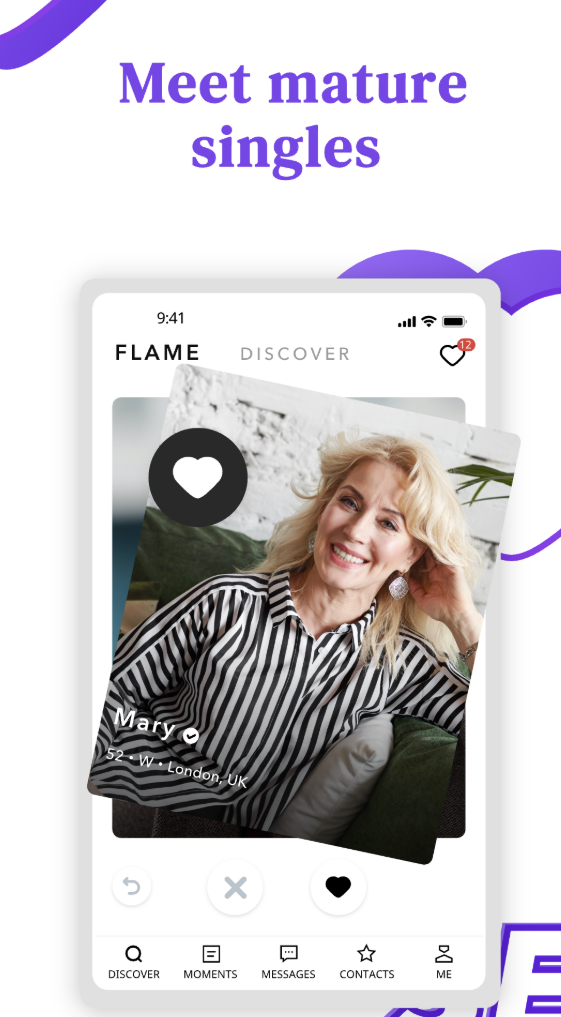
The Senior Match app open on a mobile phone

Everything You Need in One Place

The app carries the full Senior Match experience, tuned for a phone or tablet.

Discover nearby

Swipe through senior singles in your city and the suburbs around you, sorted by distance.

Private messages

Chat one to one at your own pace, with no need to share a phone number early.

Winks and likes

Break the ice without writing a word — a gentle way to say hello and see who returns it.

Moments

Share a photo from your day and see what others are up to in a friendly community feed.

Video and voice calls

See and hear someone from the comfort of home before you ever arrange to meet.

Private albums

Keep extra photos for people you choose, so you decide who sees more of you.

Timely notifications

A gentle alert lets you know the moment a message, wink or match arrives.

Privacy controls

Browse discreetly and manage who can see you, all from your account settings.

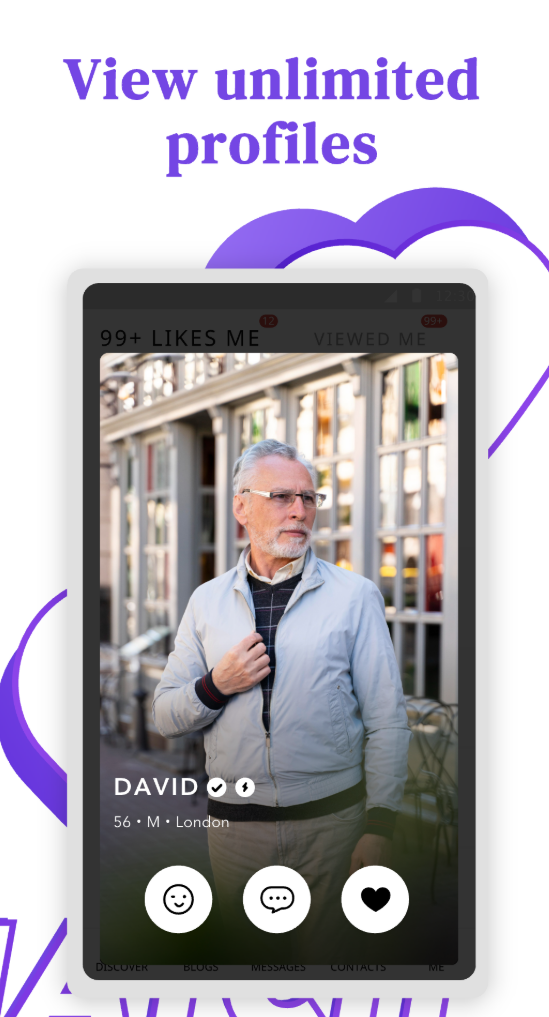
Browsing senior singles in the Senior Match app

Getting Started Takes Minutes

There is nothing complicated about it. Most people are up and browsing within a few minutes of downloading, and you can add to your profile whenever you like.

1

Download or open the app

Grab it for iPhone, iPad or Android, or simply sign in through your mobile browser.

2

Create a free profile

Add a recent photo and a few honest lines about yourself — the photo rules help.

3

Set your city and what you want

Tell the app where you are and whether you are after friendship, company or more.

4

Discover people and say hello

Browse nearby members, send a wink or a message, and move to a call when it feels right.

Designed to Be Kind on the Eyes

Small text and fiddly buttons have no place in an app made for people over 50. Senior Match uses larger type, strong contrast and generous tap targets, so reading a message or opening a profile never feels like a strain — whether you are on a phone or a bigger tablet screen.

The layout stays simple and uncluttered, with the things you use most kept within easy reach. If you ever want the text bigger still, raising your device's own text size works throughout.

  • Readable type and clear headings
  • Simple menus with fewer taps
  • Works beautifully on tablets for anyone who prefers a larger screen
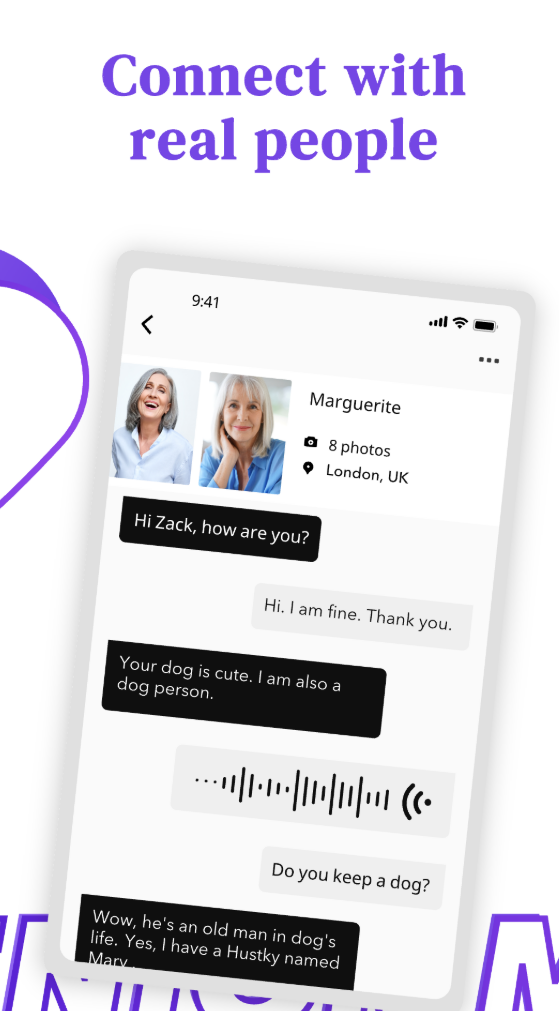
Messaging on the Senior Match app with large, readable text

Your Privacy and Safety on Mobile

Carrying dating in your pocket is convenient, and it should never mean giving up control. Notification previews can be kept discreet, so a glance at your lock screen does not reveal your messages, and you can browse quietly without broadcasting every move.

The same good habits that keep desktop dating safe carry straight across to the app. Keep early conversations inside Senior Match, never send money to someone you have not met, and lean on the verification and report and block tools whenever a profile feels off.

A quick reminder for on-the-go dating

Video and voice calls are a wonderful way to build trust before meeting, and they happen inside the app so you never hand out your number too soon. When you do meet, choose somewhere public and let someone you trust know your plans. For official Australian advice on romance scams, Scamwatch is the place to check.
Availability and Access

Senior Match works through a dedicated app and through any mobile web browser, so you are never tied to one device. Which download option you see, and some individual features, can depend on your account, your location and the device in your hand. Whatever you can do at a computer carries across to mobile, so you will never lose a conversation just because you have stepped away from your desk.

App FAQ

Is the Senior Match app free to download?

Yes. Downloading the app, creating a profile and browsing senior singles are all free. A Premium membership adds unlimited messaging and more, with prices shown on the pricing page.

Which phones and tablets does it work on?

The app runs on iPhone, iPad and Android devices. If a screen ever feels cramped, raising your device's text size usually helps.

Do I need the app, or can I use the website?

Either works. Some members prefer the app for notifications and calls, while others sign in through a mobile browser. Your account and messages stay the same across both.

Can I make video and voice calls in the app?

Yes. Where available, you can call inside the app to see and hear someone before meeting, without sharing your phone number.

Will my notifications be private?

You can keep message previews discreet so a passing glance at your lock screen does not give anything away.

How do I stay safe using the app?

Keep chatting inside Senior Match at first, never send money, and use the report and block tools if something feels wrong. A quick read of the verification guide helps too.

Take Senior Match Anywhere

Download the app or open it in your browser, set up a free profile, and start meeting senior singles near you today.